
QR Code for vCard
With QR Dada, you can create a QR Code for VCard and share your full contact details in one scan. Name, phone, email, address, company, and more get saved directly to the other person's contacts. No typing, no missed details. You can do this easily using our vCard QR Code Generator.
Create vCard QR CodeWhat is a vCard QR Code?
A vCard QR Code (Virtual Contact Card) stores your contact information in a digital format. When someone scans a QR Code for VCard, their phone creates a new contact entry with your name, numbers, email, company details, website, and more. This works through our online vcard qr code generator, so you can make and share it anytime.
vCard QR codes are a practical upgrade from paper cards. They help you share details instantly at meetings, events, and conferences without manual typing. Many users choose QR Dada as a best vcard qr code generator because it keeps sharing simple and accurate.
Pro Tip: Include your photo, company logo, and social media links for a complete digital business card.
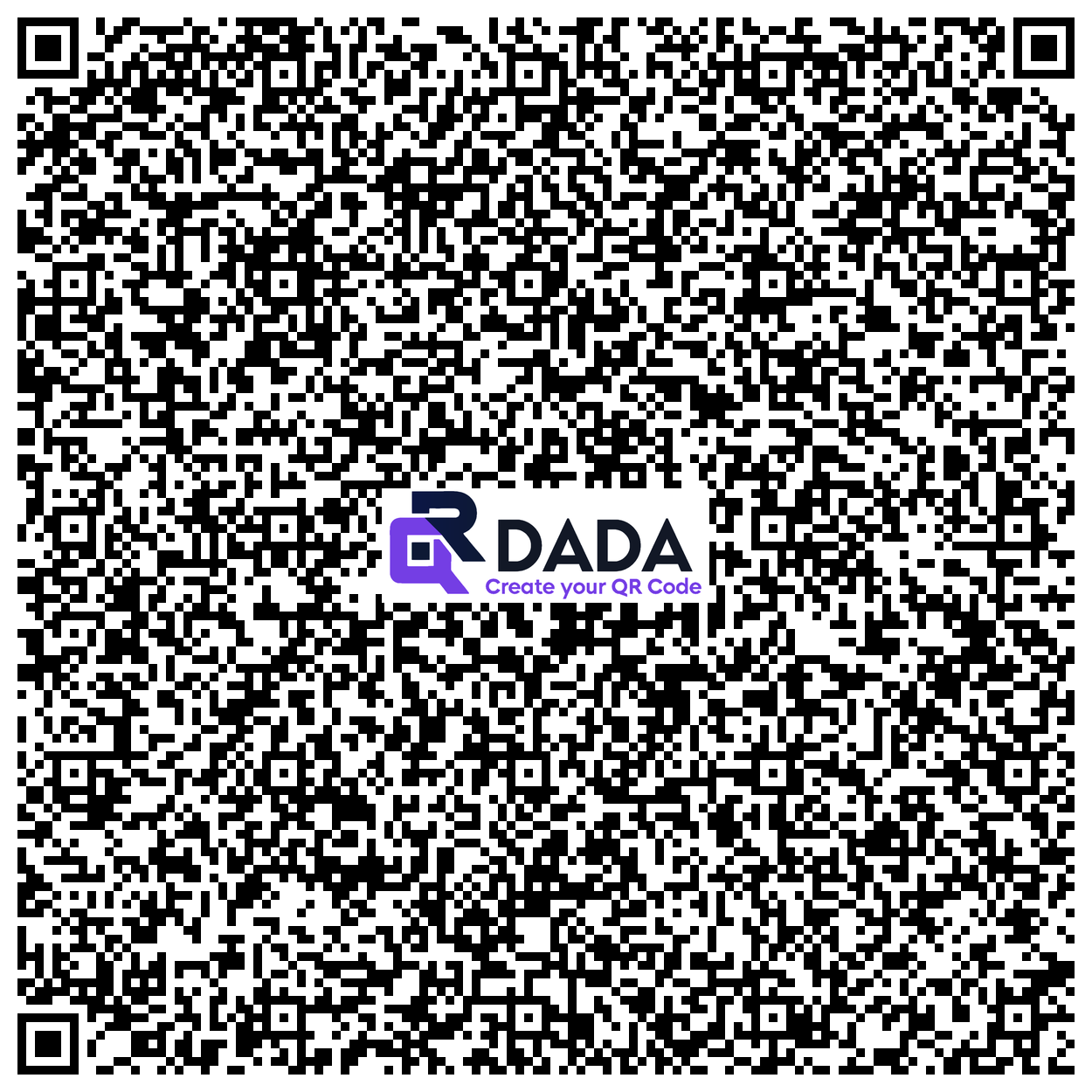
Example: vCard QR Code
Perfect For
Digital Business Cards
Replace paper cards with a QR Code for VCard that people can scan and save right away.
Networking Events
Exchange contact info in seconds at conferences, trade shows, and meetups without asking anyone to type your number.
Email Signatures
Add a vCard QR to your email footer so people can save your contact with one scan.
How to Create a vCard QR Code
Enter Contact Details
Fill in your name, phone, email, address, company, and social links. This is the base step to Create a QR code for vcard.
Add Photo and Logo
Upload your profile picture and company logo for personalization.
Customize Design
Style your QR code with brand colors and design elements.
Share Everywhere
Use it on business cards, badges, websites, and more. It is the easiest way to turn vcard into a qr code for daily sharing.
Benefits of vCard QR Codes
Instant Saving
A QR Code for VCard lets people save your details in one scan. No typing needed.
Accurate Data
No spelling mistakes or wrong numbers because everything is auto saved.
Eco Friendly
Less paper use compared to traditional cards.
Always Updated
If your details change, just create a new QR and share the updated one.
Rich Information
Add multiple numbers, emails, social links, and more in a single card.
Universal Support
Works on iOS, Android, and most modern phones.
Frequently Asked Questions
What information can I include in a vCard QR code?
You can include your name, job title, company, phone numbers, email addresses, address, website, social media links, and even a photo. This makes a QR Code for VCard more useful than a normal card.
Do vCard QR codes work on all phones?
Yes. vCard QR codes work on iOS, Android, and most smartphones with built in QR scanning.
Can I update my contact info after creating the QR code?
Static vCard QR codes cannot be edited. If you want updates later, use our dynamic vCard QR codes.
How is this different from a regular business card?
A vCard QR saves time, avoids typing mistakes, lets you share more info, and people save your contact instantly. You can also Create a QR code contact vcard for quick sharing in any situation.
Upgrade to Digital Business Cards
Create vCard QR codes and make networking effortless in the digital age!
Create vCard QR Code Now