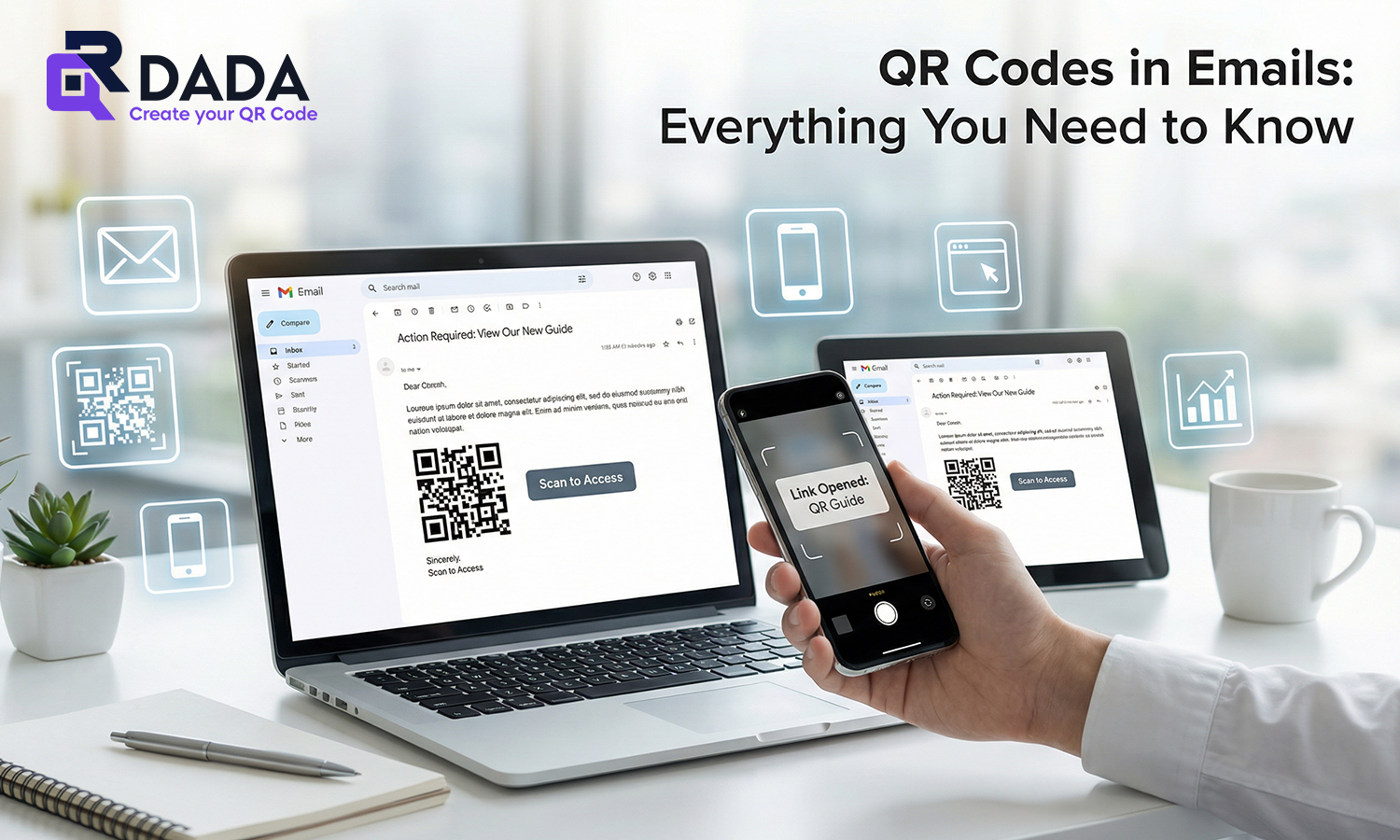
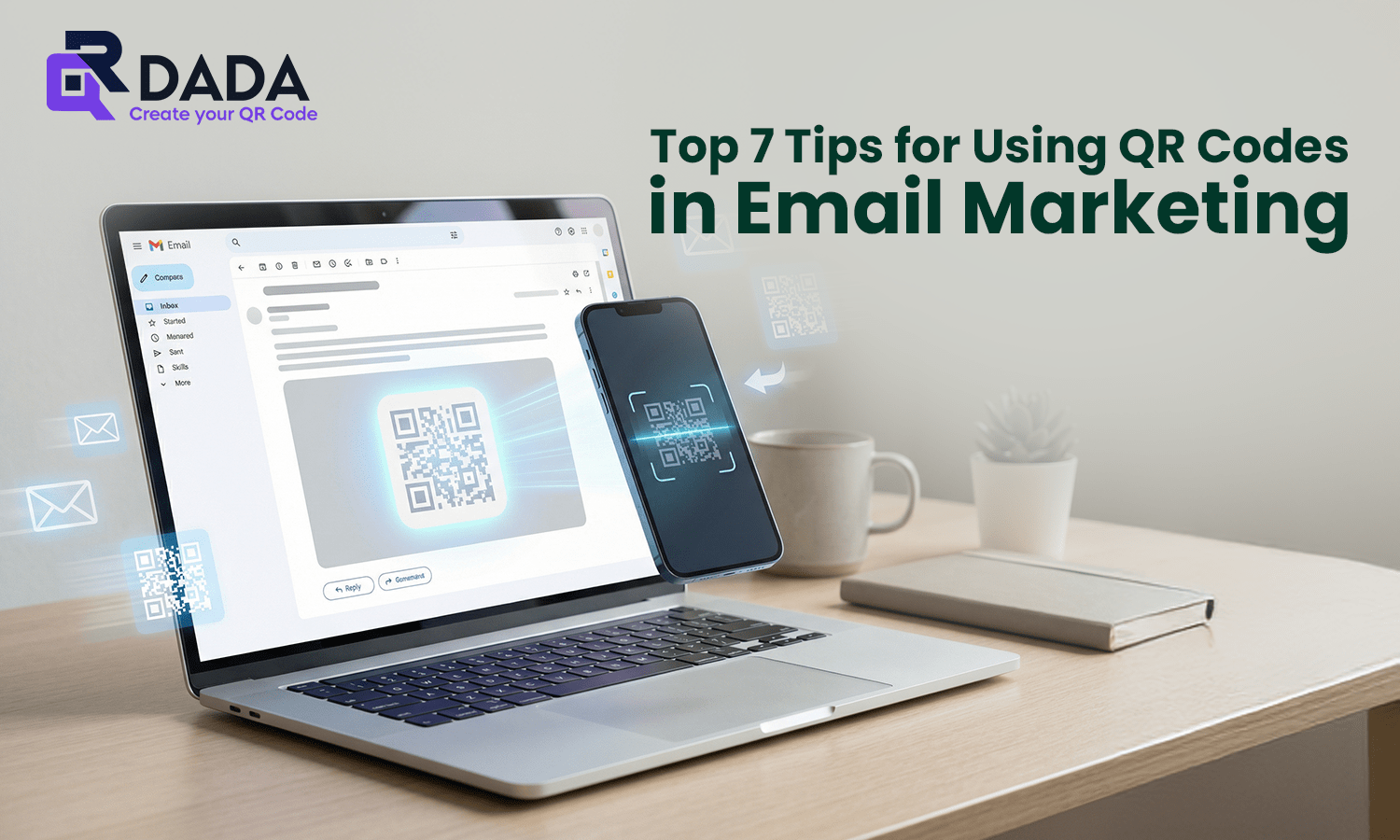
If you are sending emails and people are not clicking, it does not always mean your offer is bad. Sometimes the next step feels like work. That is where QR Codes in Email Marketing can help. A QR code gives readers a quick way to move from an email to an action, especially when they open emails on a laptop and want to continue on their phone.
In this blog, I’ll explain why QR codes work well in email, and the top 7 ways to use them without making the email look spammy or forced.
Why QR Codes are Important in Email Marketing?
Email marketing is still one of the most reliable channels, but attention is low. People scan emails quickly and decide within seconds if they want to act.
QR Codes in Email Marketing work because they reduce friction. Instead of searching, typing, or switching apps, users can just scan and move forward. This is also why you see more QR codes in marketing across campaigns that mix offline and online actions.
One more thing to remember: QR codes work best in email when the reader is on a desktop. If the reader is already on mobile, always include a clickable link as a backup.
Top 7 Tips for Using QR Codes in Email Marketing
1. Use QR Codes to Increase Click-Through Rates
A QR code gives your reader a second way to take action. Some people prefer scanning instead of clicking, especially when they want the link on their phone. When done right, it can lift engagement and help your qr code email campaigns perform better.
Just keep the QR near the main offer and add one clear line like “Scan to open on your phone.”
2. Use QR Codes to Help Customers Take Real-World Actions
This is where QR shines. You can send people from email to offline action such as store directions, event entry, or a quick call.
This is also why QR codes are used in qr codes in advertising, because they connect online attention to real action without extra steps.
3. Place QR Codes Near the Primary Email CTA
Do not hide the QR at the bottom like an afterthought. Place it close to your main CTA button so it feels like part of the same action.
If your email CTA says “Book a demo,” the QR should sit right below it so the user understands it is the same next step.
4. Use Separate QR Codes for Different Email Audiences
If you are sending emails to different groups, do not use the same QR for everyone. Give each segment its own QR that leads to the right landing page.
This also helps when you are tracking performance and comparing results across audiences. It is one of the simplest ways to improve targeting without rewriting the entire email.
5. Use QR Codes for Lead Generation in Emails
QR codes can be used to collect leads when they open a form, WhatsApp chat, or quick signup page.
You can also use a QR code for a contact action, like a qr code for email id, so people can save or contact you faster. For brands that want quick outreach, this works well.
If you want people to send an email with a pre-filled subject, QR Dada can create that too, and you can use it inside your email campaign without any technical work.
6. Track Email Campaign Performance with QR Codes
If you are running offers and want to know what is actually working, QR codes help with clean tracking when used in a structured way.
This is useful for brands who also study qr code marketing examples to understand which placements and CTAs get better action. The key is not just adding a QR, but using it with a clear goal per campaign.
7. Test QR Codes in Email Campaigns
Always test before you send the campaign. Open the email on desktop and scan with a phone. Then open the email on mobile and check if the clickable link works.
Some users also ask about usage in email clients like Outlook. A QR image usually displays fine, but placement and size matter. If needed, keep it clean and avoid tiny QR sizes so it works well even in QR codes in Outlook mail layouts.
Conclusion: Boost Your Email Campaigns with QR Codes Using QR Dada
When you use QR Codes in Email Marketing the right way, it improves action, reduces friction, and makes the next step easier for the reader. The best approach is simple: place the QR near your CTA, keep the design clean, and always add a clickable link for mobile readers.
With QR Dada, you can create professional QR codes for email actions, landing pages, lead forms, and more, all in one place. If you want your email campaigns to feel smoother and more interactive, QR Dada makes it easy to build and manage QR codes without overcomplicating the process.